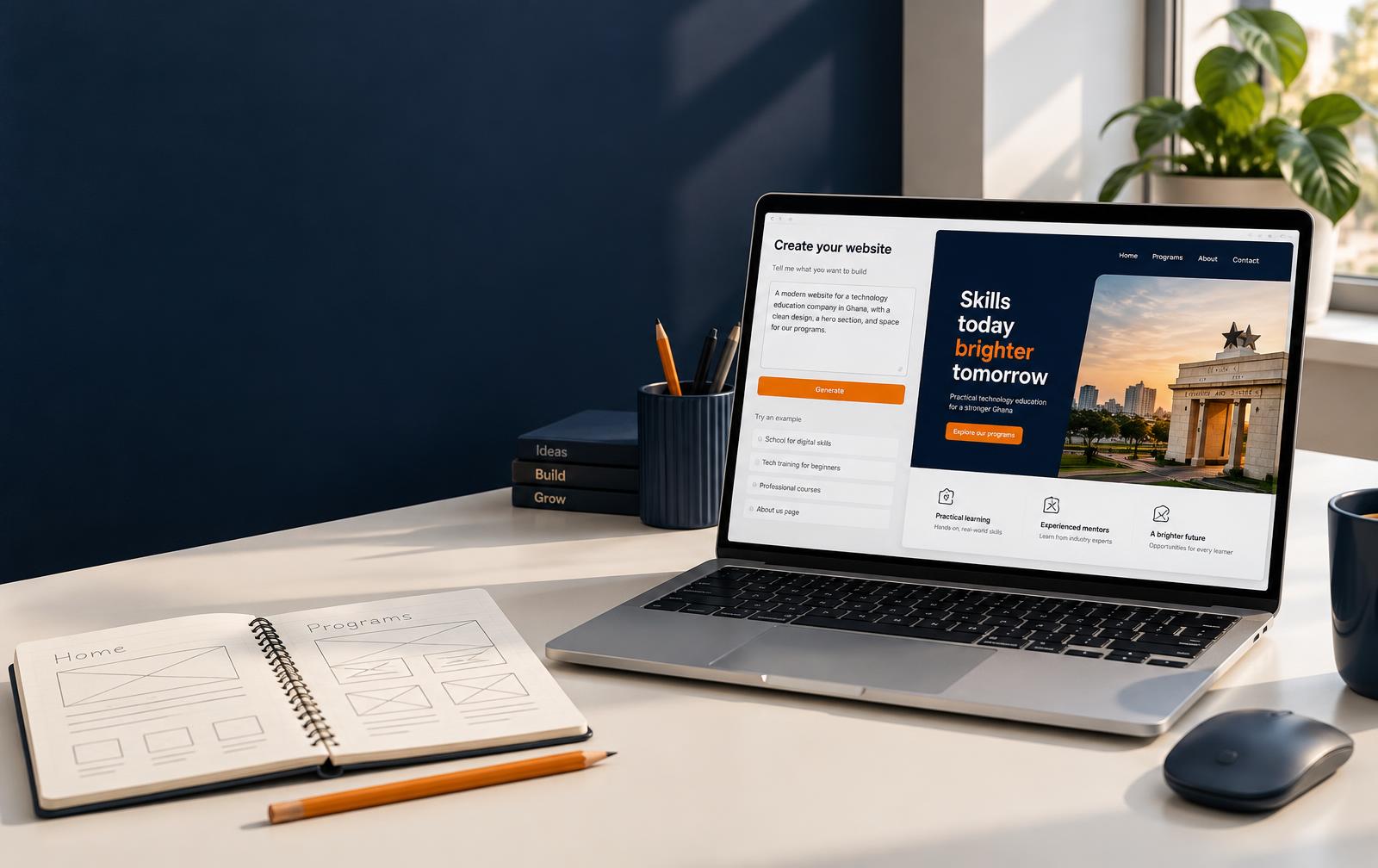
Illustrative AI-assisted website-building workspace with a laptop, prompt editor and project notebook

TEKOSOFT AI TRAINING

Vibe Coding: From Idea to Live Website

Turn ideas into functional websites and digital prototypes with AI-powered development tools and natural-language instructions.

Discover how to communicate effectively with AI, build digital experiences using natural-language instructions, and apply practical AI tools to your work, business, studies or entrepreneurial journey.

  • Beginner-friendly, practical learning
  • Real projects and guided exercises
  • Skills you can apply immediately

The future of building

You Don't Have to Be a Traditional Programmer to Start Building with AI.

Modern AI tools can help you plan, create, improve and publish digital products using natural-language instructions. The skill is not simply asking AI to do everything: it is learning to describe what matters, evaluate the output and improve it with intention.

Learn to evaluate AI output, identify errors, protect sensitive data and test your work. AI is a building partner—not a substitute for careful judgment.

01 /

Describe

Turn an idea into clear instructions.

02 /

Build

Generate, review and refine your digital product.

03 /

Launch

Test, improve and publish the result.

Vibe Coding

Practical skills. Real possibilities.

Build something useful with AI-assisted tools and clear instructions.

PROGRAM 01

Vibe Coding: From Idea to Live Website

Turn ideas into functional websites and digital prototypes with AI-powered development tools and natural-language instructions.

Who it is for
Entrepreneurs, aspiring creators, freelancers and anyone ready to build their first digital product.
Skill level
Beginner-friendly
Prerequisites
No traditional programming background is required. Required equipment, accounts and any subscriptions will be communicated before a session is confirmed.

What you will learn

  • Understanding vibe coding and AI-assisted development
  • Selecting suitable AI development tools
  • Turning ideas into clear project specifications
  • Planning pages, features, layouts and user journeys
  • Creating effective build prompts
  • Generating website layouts and reusable components
  • Improving typography, colors, responsiveness and user experience
  • Adding forms, navigation and practical functionality
  • Debugging, testing and refining AI-generated code
  • Hosting, deployment, domains and publishing
  • Maintaining and improving a website after launch
  • Security, accessibility and data protection

Your practical project

Work toward building and publishing a personal website, portfolio, landing page or suitable business website.

Duration
3 weeks
Delivery
in-person

GHS 1,500

Part payment of GHS 1,000 accepted · MoMo or Paystack

December 2026 Edition

Starts Sat, 5 Dec 2026

in-person · Tekosoft Africa, Ablekuma Olebu, Accra

  • Session 1: Sat, 5 Dec 2026, 1:00 pm – 4:00 pm
  • Session 2: Sat, 12 Dec 2026, 1:00 pm – 4:00 pm
  • Session 3: Sat, 19 Dec 2026, 1:00 pm – 4:00 pm

Curriculum

A clear path from curiosity to practice.

01AI fundamentals, tools and project planning

Understand what AI can and cannot do. Choose a practical project and define its audience.

Practical exercise: Write a one-page project brief.

02Prompting for website and application development

Turn requirements into clear build prompts with constraints and success criteria.

Practical exercise: Create and improve a build prompt.

03Building page layouts and features

Create pages, navigation and forms; refine usability and responsive layouts.

Practical exercise: Build a working prototype.

04Testing, debugging and improving the product

Review generated output, troubleshoot errors and check accessibility and data safety.

Practical exercise: Run a practical quality checklist.

05Publishing, sharing and maintaining the project

Explore hosting and domains, prepare a launch and plan ongoing improvements.

Practical exercise: Work toward publishing your project.

A stronger way to work

From a clear idea to a working digital product.

Learn to communicate with AI, turn instructions into structured plans, build and refine a digital product, test the outcome, then publish the result.

  1. 01

    Communicate with AI

  2. 02

    Structure your plan

  3. 03

    Build and refine

  4. 04

    Test the outcome

  5. 05

    Publish or apply

Who should attend?

Curiosity is a good starting point.

Begin without a traditional programming background. Check each program's prerequisites and confirmed requirements before attending.

  • Entrepreneurs and business owners
  • Students and job seekers
  • Professionals and employees
  • Freelancers and creatives
  • Small-business teams
  • Aspiring digital creators
  • Beginners curious about AI

Frequently asked questions

A little clarity before you start.

What is vibe coding?

Vibe coding is an AI-assisted approach to building digital products using natural-language instructions. You still need to review, test and refine the result.

Do I need to know how to code?

You can begin without a traditional programming background. Individual program prerequisites and equipment requirements will be shared before a session is confirmed.

What is prompt engineering?

It is the practice of giving AI clear instructions, useful context, constraints and examples, then evaluating and improving its output.

What equipment do I need?

A suitable computer and reliable internet are generally helpful. Exact equipment, account and subscription requirements will be communicated before your session is confirmed.

Are the programs available online?

Confirmed delivery formats will appear with each cohort. Online dates have not yet been announced.

Are in-person sessions available in Accra?

Tekosoft Africa is based in Ablekuma, Accra. In-person venues and dates will be published only when confirmed.

How long does each program take?

Duration is not yet confirmed. Published program details will be updated when the delivery schedule is agreed.

How much does training cost?

The confirmed Vibe Coding fee is GHS 1,000. Applying does not collect payment or confirm a seat. Contact Tekosoft for confirmed session availability.

Will I build a real project?

Vibe Coding participants work toward a practical website or prototype. Progress depends on practice and the agreed training format.

Will I receive learning materials?

Any included materials will be specified with confirmed program arrangements. Continued practice is encouraged.

Is a certificate available?

Certification has not been confirmed. We do not promise a certificate or accreditation.

What happens after registration?

Your request is securely saved. The team follows up about availability, requirements and pricing. Registration alone does not confirm a session or payment.

Can businesses arrange team training?

Yes, businesses can contact Tekosoft to discuss a tailored team-training proposal. Scope, format and pricing are agreed individually.

Your Next Skill Starts with One Practical Step.

Build your confidence with AI, learn to prompt more effectively, and explore what's possible when your ideas meet the right tools.